MCP Server for Your Factory Data Historian – Free 15-Minute Consultation
$0.00
Let’s talk about connecting ChatGPT or Claude to your AVEVA PI, Proficy, or AspenTech historian.
Discover how an enterprise-grade MCP server gives your engineers safe, instant AI access to time‑series data—no custom coding, no cloud dependency.
Book a free 15‑minute call to get a clear architectural blueprint and a starter config for your plant.
Description
Bring Generative AI to Your Process Data—Safely and Locally
Your plant’s data historian holds decades of critical time‑series data—temperatures, pressures, flows, event frames, downtime logs. What if your operators, process engineers, and maintenance teams could ask plain‑English questions and get immediate answers, right from their desktops?
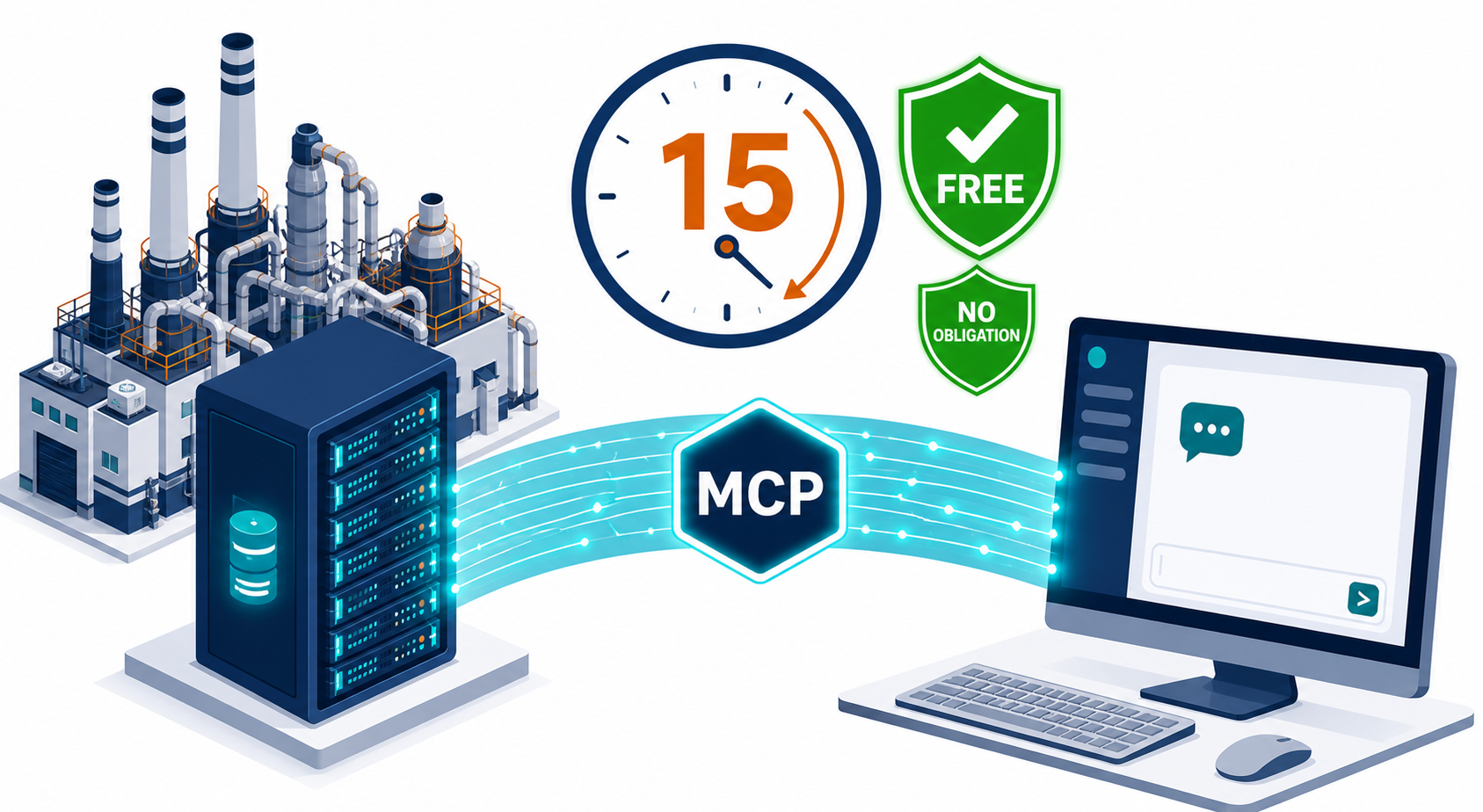
The solution is an MCP Server (Model Context Protocol)—a lightweight, on‑premise connector that lets AI assistants like Claude Desktop or ChatGPT Desktop query your AVEVA PI, GE Proficy, or AspenTech IP.21 historian with full security controls, audit logging, and tag‑level permissions.
In This Free 15‑Minute Consultation, We’ll Cover:
- Your historian environment – PI Data Archive, AF hierarchy, or other system.
- Exact MCP architecture – How to bridge the AI client to your historian using only local communication (no cloud).
- Security & compliance – Read‑only access, tag allow‑listing, parameterized queries, and audit trails.
- Live demo outline – What a working integration looks like: “Show me the average pressure of Pump‑101 over the last shift.”
- Your first steps – We’ll sketch a configuration file (YAML) tailored to your tags and asset model.
Who Is This For?
- Process automation engineers and data architects in manufacturing, power, oil & gas, pharma.
- Digital transformation leads who want to leverage AI without sending plant data to the cloud.
- System integrators exploring reusable, factory‑ready AI toolkits.
Before the Call – What to Prepare (for Plant Managers & CTOs)
To make your 15 minutes as valuable as possible, please have the following information ready. Don’t worry if something is missing—we can still have a productive discussion.
- Historian details: Which system(s) do you use? (e.g., AVEVA PI Data Archive + PI AF, GE Proficy, AspenTech IP.21). Approximate version if known.
- A typical use case: The one question you wish your team could ask in plain English—e.g., “What was the total downtime of Line 3 last month?” or “Which pumps had abnormal vibrations overnight?”
- Estimated scale: Rough number of tags/attributes (hundreds? thousands? hundreds of thousands?) and how many users might access the AI tool.
- Security boundaries: Do you require strictly read‑only access, or would controlled write‑back (e.g., annotation creation) ever be needed? Any sensitive tags or data that must be masked?
- Desktop environment: Will users run the AI client on Windows, macOS, or Linux? Is the plant network completely air‑gapped, or is limited internet access available for the AI client (even if only temporarily)?
- Existing integrations: Any current use of PI Web API, OPC‑UA, or other APIs that the MCP server could leverage.
What You’ll Walk Away With
A personalised architectural diagram and a sample configuration for connecting your historian to a desktop AI via MCP—ready to hand to your team or integrator.
No sales pitch, no obligation. Just practical, technical guidance.
How It Works
- Book a slot – Choose a date/time during checkout (no payment required).
- We’ll connect via video call – A 15‑minute screen‑share session.
- You get actionable next steps – Architecture, config example, and recommended open‑source components.
Price: FREE – limited to one consultation per company.