
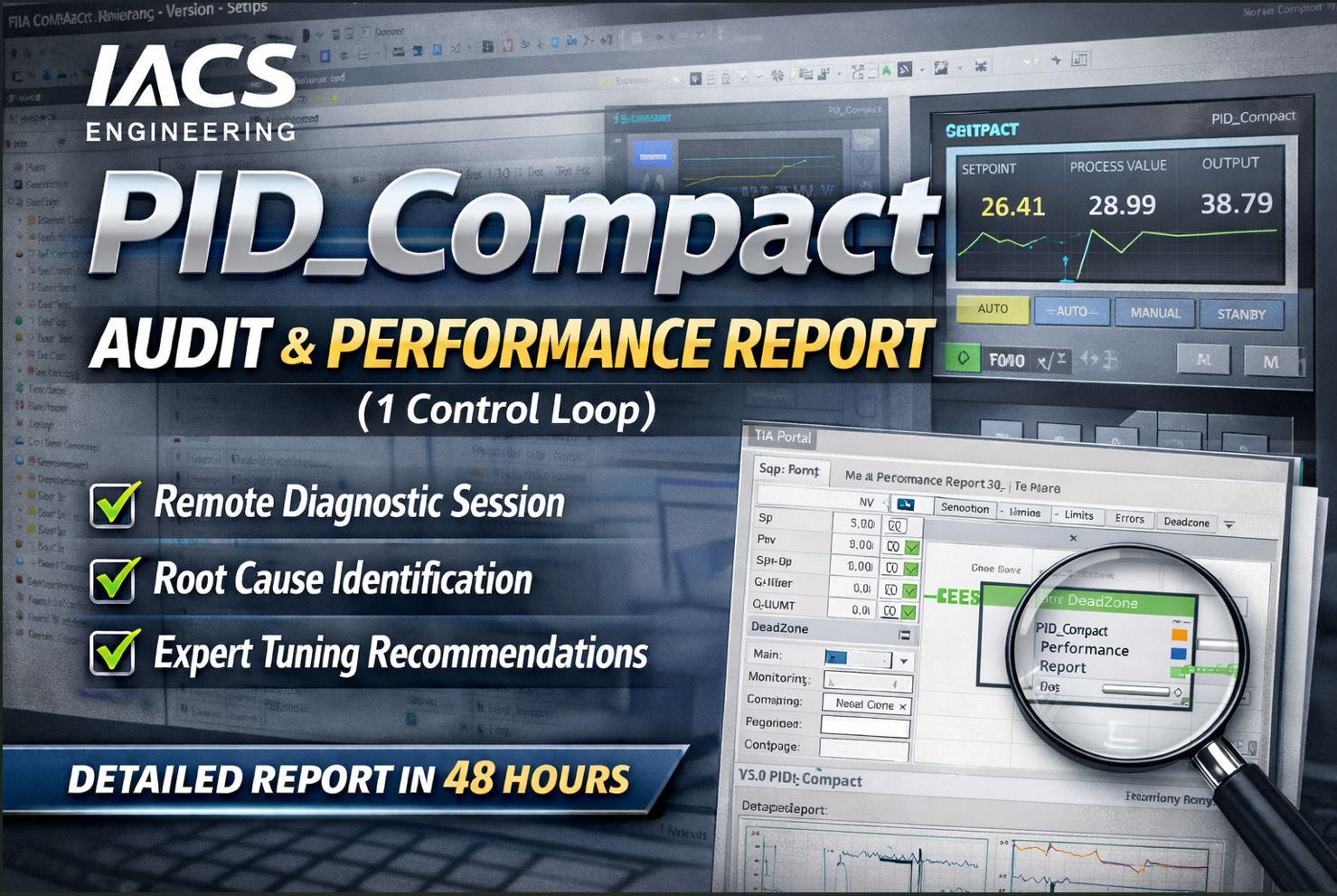
Siemens PID_Compact (S7-1200/1500/G2) – Comprehensive Audit & Diagnostic Report
$950.00
Get a professional, in-depth audit of your Siemens PID_Compact controllers in TIA Portal. We remotely review your configuration, tuning parameters, error handling, safety settings, and performance – and deliver a detailed report with findings, risks, and recommendations. No modifications, no code changes – only observation and documentation.
Description
What This Service Is
A non‑intrusive, remote technical audit of your PID_Compact technology objects in Siemens TIA Portal (S7‑1200, S7‑1500, S7‑1200 G2). We access your engineering PC or PLC via secure remote connection, capture configuration screenshots, analyse live data, and produce a structured report based on the official Siemens documentation.
What This Service Is NOT
❌ No parameter changes, tuning, or optimisation
❌ No program modification or download to PLC
❌ No on‑site visit
❌ No hardware manipulation
We strictly observe, record, and report – leaving your system exactly as we found it.
What’s Included (Deliverables)
1. Remote Audit Session (1–4 hours)
-
Secure remote connection (TeamViewer, AnyDesk, VPN, or customer’s preferred tool)
-
Guided collection of data:
TIA Portal project screenshots (configuration views, instance DBs, call environment)
Online watch tables of live PID parameters (Setpoint, Input, Output, State, ErrorBits, Warning) Trend captures of setpoint vs. process value, output value, and integral action
No changes made – all actions are read‑only.
2. Comprehensive Audit Report (PDF, delivered within 5 working days)
The report follows the official Siemens documentation (as provided) and includes:
| Section | Content |
|---|---|
| Executive Summary | Overall health score, critical findings, immediate risks |
| Hardware & Compatibility | CPU firmware vs. PID_Compact version, processing time, memory usage |
| Call Environment | Cyclic interrupt OB, sampling time monitoring, cycle time deviations |
| Configuration Audit | Input scaling, setpoint/output limits, control logic, output type (Output/PER/PWM), dead zone |
| Tuning & Parameters | PID gains (Kp, Ti, Td), weighting factors, derivative delay, tuning method used (pretune/fine), parameter plausibility |
| Error Handling & Safety | ActivateRecoverMode, SetSubstituteOutput, substitute output value, error acknowledgement, warning analysis |
| Operating Mode Management | Mode switching logic, ManualEnable usage, Reset behaviour, IntegralResetMode setting |
| Live Data Analysis | Steady‑state deviation, oscillation detection, controller direction, anti‑windup behaviour |
| Checklist Summary | Pass/fail table based on our 100+ point audit checklist (see below) |
| Actionable Recommendations | Prioritised list (High/Medium/Low) – all optional, no remote implementation |
| Appendix | Screenshots (anonymised if requested), raw data tables, reference to Siemens manual pages |
3. Raw Data & Screenshot Package (ZIP)
-
All screenshots taken during the session (timestamped)
-
Exported watch tables (CSV)
-
Trend recordings (if supported by TIA Portal)
Process – How It Works
Order & Intake
-
Purchase the service on our store.
-
Schedule Remote Session
-
We agree on a date/time (1–4 hour window).
-
You prepare remote access (e.g., TeamViewer, VPN + RDP) and open TIA Portal with the project.
-
-
Remote Audit (Observation Only)
-
We connect and start a screen recording (with your consent).
-
We navigate through the project, take screenshots, and open online watch tables.
-
You are present – we explain what we are checking at each step.
-
We do not download, change parameters, or write anything to the PLC.
-
All data is saved locally on your PC; we copy only screenshots and exported logs.
-
-
Report Generation
-
Within 5 working days, you receive a detailed PDF report and a ZIP of raw data.
-
Optional 30‑min follow‑up call to discuss findings (included).
-
Prerequisites (What You Must Provide)
| Item | Requirement |
|---|---|
| Remote access | TeamViewer, AnyDesk, or VPN + RDP to a PC that can reach the PLC |
| TIA Portal | Version V15.1 or higher (project with PID_Compact instances) |
| PLC access | Online connection to the CPU (read‑only is sufficient) |
| User privileges | Read access to the project and online view (no write needed) |
| Documentation | If available, process description or P&ID (optional but helpful) |
Why Choose This Service?
✅ Based on official Siemens documentation – we use the same error codes, limits, and behaviour described in the manual (pages we cross‑reference in the report).
✅ Zero risk – no modifications, no downloads, no surprise changes.
✅ Independent third‑party review – catch hidden configuration errors (e.g., wrong InvertControl, missing substitute output, improper sampling time).
✅ Improves safety & reliability – we verify error handling and limit settings that could otherwise damage your plant (see manual page 11, 60, 279).
✅ Clear actionable report – you decide what to change; we only advise.
Sample Report Structure
1. Executive Summary - Overall score: 82/100 - Critical: ActivateRecoverMode = TRUE but SubstituteOutput = 0.0 (safe, but no alarm) - High risk: Sampling time monitoring disabled in OB1 call 2. PID_Compact Instance: “Heater_PID” - CPU: 1214C FW V4.2 - PID_Compact V2.3 - Call OB: OB35 (100 ms) – OK - Config.InputUpperLimit: 120.0 (correct) - ErrorBits: 0x0000_0800 (sampling time error) – appears intermittently - Warning: 0x0000_0040 (process value above warning limit) – check sensor - Recommendation: Move call to cyclic interrupt OB, increase cycle time. 3. Checklist Summary (excerpt) | Check Item | Result | Remarks | |------------|--------|---------| | Input scaling correct | Pass | Input_PER 0-27648 → 0-100% | | Setpoint limits within PV limits | Pass | SetpointUpper 100.0 < PV limit 120.0 | | Substitute output configured | Fail | SetSubstituteOutput = FALSE | | IntegralResetMode appropriate | Warning | Mode 0 (smooth) may cause initial delay |
Limitations & Disclaimer
-
This audit is based on the information and access provided by the customer.
-
We are not liable for any system behaviour after the audit because we do not change anything.
-
The report contains recommendations; implementation is the customer’s responsibility.
-
Our audit does not replace a full factory acceptance test or safety validation.
Order Now – What You Will Receive Immediately After Purchase
-
Confirmation email with intake form link
-
Instructions to prepare remote access and TIA Portal
-
Scheduling link to book the remote session
Frequently Asked Questions (FAQ)
Q: Do you change anything in my PLC?
A: Absolutely not. We only observe and take screenshots / export data.
Q: What if I don’t have online access to the PLC?
A: We can perform an offline audit using the TIA Portal project file only. Some dynamic checks (ErrorBits, live trends) will be omitted. Price adjusted.
Q: How do you protect my data?
A: All screenshots and data are stored encrypted. We sign an NDA on request. Remote sessions are not recorded unless you permit it.
Q: Can you sign a confidentiality agreement?
A: Yes – please send your NDA before the session.